
File Format Requirements
For the best print quality, we recommend vector formats: Adobe Illustrator (.AI), Encapsulated PostScript (.EPS), or PDF. These formats scale perfectly to any size without quality loss. If you only have raster images, ensure they are at least 300 DPI at the actual print size. PNG files work well as long as the resolution is sufficient.
Colour Mode: CMYK vs RGB
All printing uses CMYK colour mode (Cyan, Magenta, Yellow, Key/Black). If your artwork is in RGB (designed for screens), the colours will shift during conversion. We offer free RGB to CMYK conversion, but for the most accurate colour matching, design in CMYK from the start. If you need specific brand colours, provide Pantone references.
Bleed and Safety Zones
For full-wrap cup designs (artwork that extends to the edges), include a 3mm bleed area beyond the print boundary. Keep all critical text and logos within the safety zone, at least 5mm from any edge. This accounts for slight variations in cup manufacturing and ensures nothing gets cut off.
Design Tips for Maximum Impact
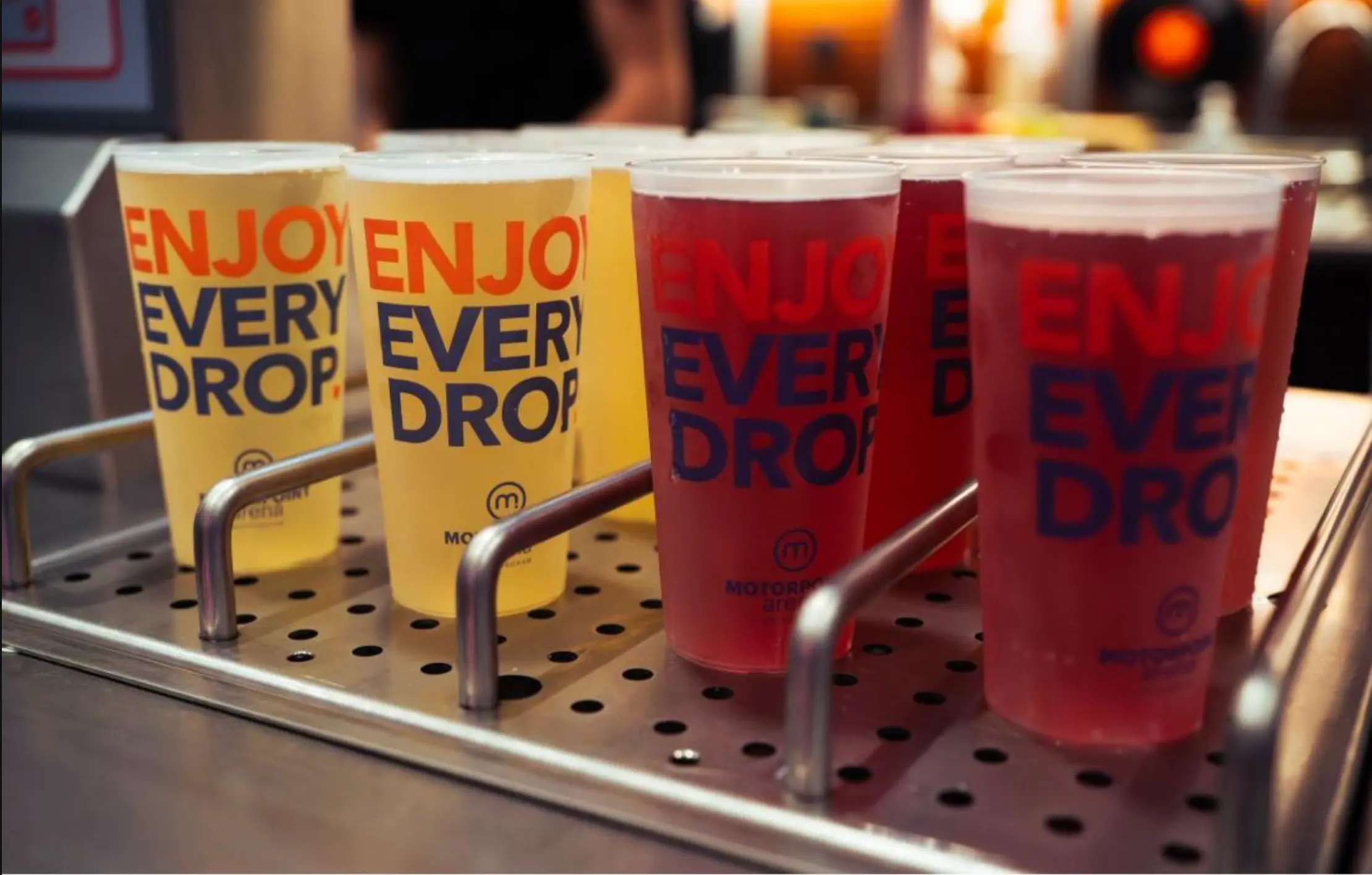
Cup surfaces are curved, so straight horizontal lines may appear slightly bowed. Use bold, simple designs for maximum visual impact. Avoid very thin text (under 6pt) as it may not reproduce cleanly. High contrast designs work best, particularly for cups that will be photographed and shared on social media.